

Editorial date: October 9, 2026. First added to RigPeak: November 20, 2026. Updated November 20, 2026. This guide is based on the cited documentation and editorial analysis; it is not a hands-on test report.
MU: Dark Epoch quickly fills the screen with levels, equipment and upgrade prompts. The challenge is deciding which of those changes helps your character. Let the guided quests introduce the systems, then take control of class choices, equipment decisions and the activities that matter to your next unlock.
This guide covers the 37GAMES title MU: Dark Epoch. Equipment rules from other MU games should not replace the descriptions in this game's client.
1. Choose the way you want to fight
At character creation, compare the available classes through their actual descriptions and previews. Think about distance, movement and the kind of combat you enjoy: staying near enemies, attacking from range or supporting a particular group role.
Do not choose entirely from an image of an advanced character. You will spend your opening sessions learning the base class before later development choices matter. Check any branch or advancement preview before treating that future role as guaranteed.
The official Steam listing describes class development, automated play and group features. Availability and naming should be checked in your own region and server.
A useful early test is a normal quest encounter. Can you identify your main damage skill, move out of danger and recover when enemies get close? If not, practice those actions before worrying about an optimized build.
2. Follow quests until you understand each unlock
Keep the main quest as your opening route. It introduces locations and systems in a sequence you can follow, rather than leaving you to guess which menu matters next.
When a feature opens, pause long enough to inspect it. Read what it consumes, what it produces and whether its rewards require manual collection. Automatic movement can take you to a destination without teaching you why you are there.
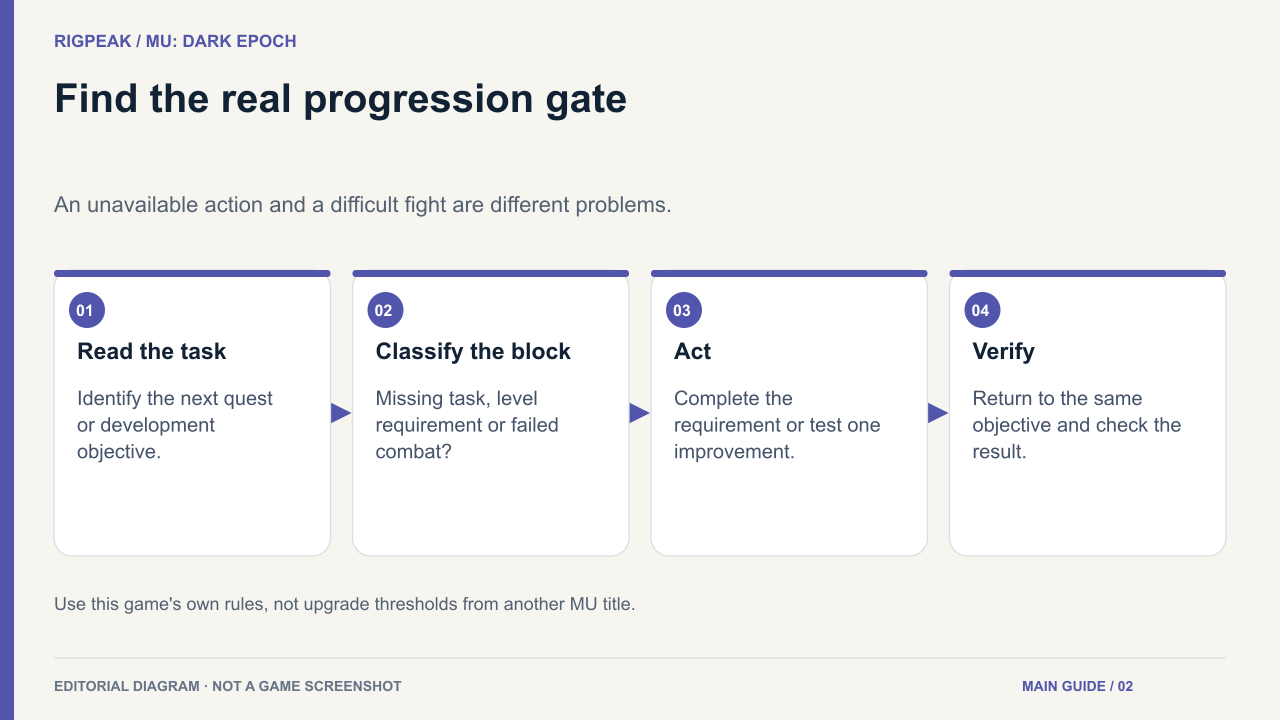
When progression stalls, distinguish three situations:
- A quest requires a task you have not completed.
- A level or development requirement blocks access.
- A fight is available but your character cannot clear it reliably.
Those problems need different responses. More grinding will not complete an overlooked dialogue, while repeating a difficult fight without changing anything rarely teaches you much.
The older LDPlayer leveling guide also identifies quests and hunting as progression routes; use the live activity panel for their current conditions.
3. Compare equipment before pressing Equip
A power increase is a convenient first signal, not the whole comparison. Open both items and inspect their requirements and useful attributes.
Ask whether the new piece supports the skills you actually use, whether its level requirement is met, and whether an important effect would be lost. Check the complete description of a set or special property before assuming it benefits every class equally.
Keep a promising replacement until you know what the old item contributes. Avoid selling or dismantling unfamiliar equipment simply because a new item has a higher displayed score.
For an early damage problem, compare the weapon and offensive attributes first. For repeated deaths, examine defenses, recovery and positioning. This is more informative than upgrading every slot at once.
4. Read enhancement rules as a separate decision
Equipping an item and investing in it are different commitments. Before enhancement or refinement, read the confirmation panel for materials, success conditions and possible consequences.
Check whether progress can transfer to a replacement item and whether the client explicitly promises protection. Do not infer a safe upgrade level from another MU title or from a promotional screenshot.
Use a small, purposeful investment first. For example, improve the item that addresses the fight you cannot clear, then retry before spending the rest of your materials. A temporary leveling item does not need every available upgrade merely because the button is lit.
5. Set up automated play deliberately
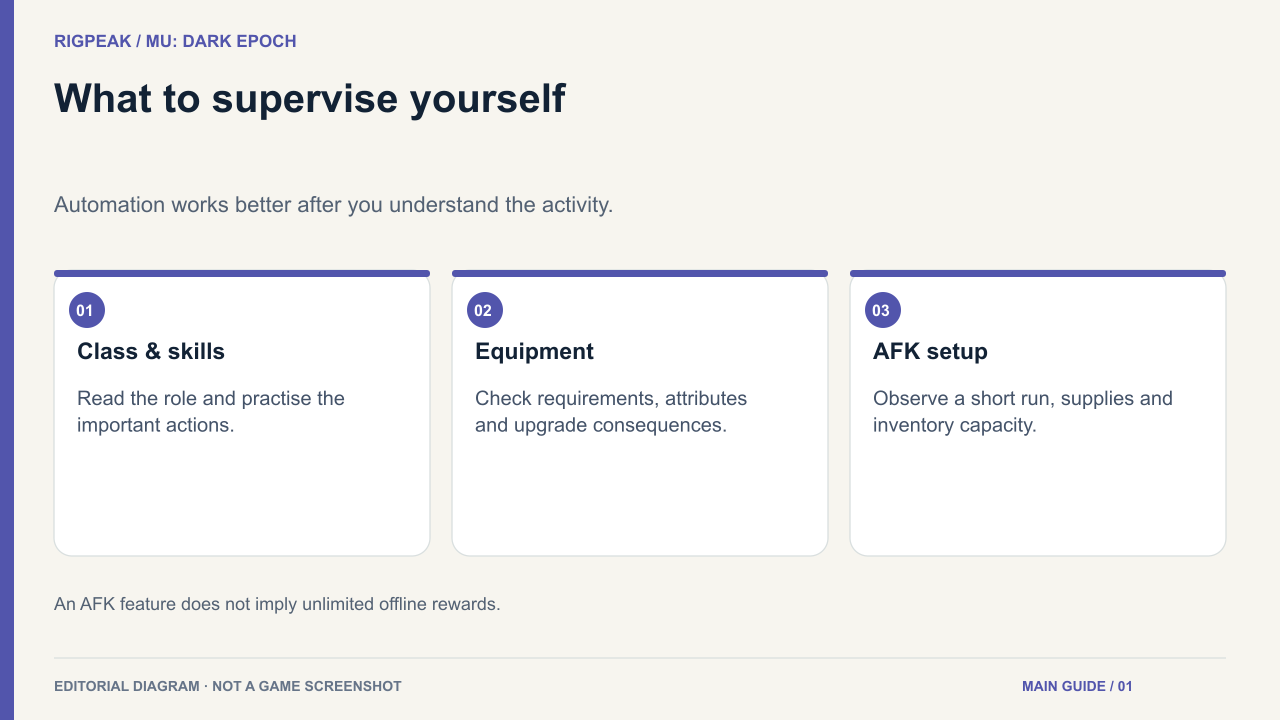
Automation works best after you understand the activity. Complete a short supervised run before leaving a character hunting.
Watch whether enemies die consistently, whether your character needs more recovery than expected and whether inventory fills with useful or unwanted drops. Check the game's own AFK or offline panel for duration, reward and collection rules.
A harder area is not automatically a better unattended destination. Repeated deaths, slow kills or a full inventory can undermine the reason you chose it. Prefer a stable activity whose rewards match your immediate need.
Use manual control when learning a boss pattern, testing a class skill or completing an unfamiliar objective. Automation is a convenience, not evidence that a fight needs no attention.
6. Build a routine around one missing resource
At the start of a session, identify your next character or quest goal. Then choose the available activity that supplies its missing requirement.
Inspect daily and event rewards before entering. If you need upgrade material, prioritize a source of that material rather than an activity offering only an attractive power recommendation. Save group content for a time when you can participate properly.
A guild becomes useful when you can tell its members what you need: help understanding a boss, an explanation of a class choice or partners for a particular activity.
Finish by checking your inventory and next quest. You should know what improved, what remains blocked and whether the next step requires combat, materials or simply an unlock.